For Elgato Prompter owners · Works with every hood rig
Better software for the rig on your desk.
The Elgato Prompter is a beautiful piece of hardware — we keep one on our own desks. Its display is a second screen, which means it can run more than the bundled app: point it at CameraPrompter and your scripts, voice scroll, and camera overlay come with it.
Free forever No credit card No watermarks
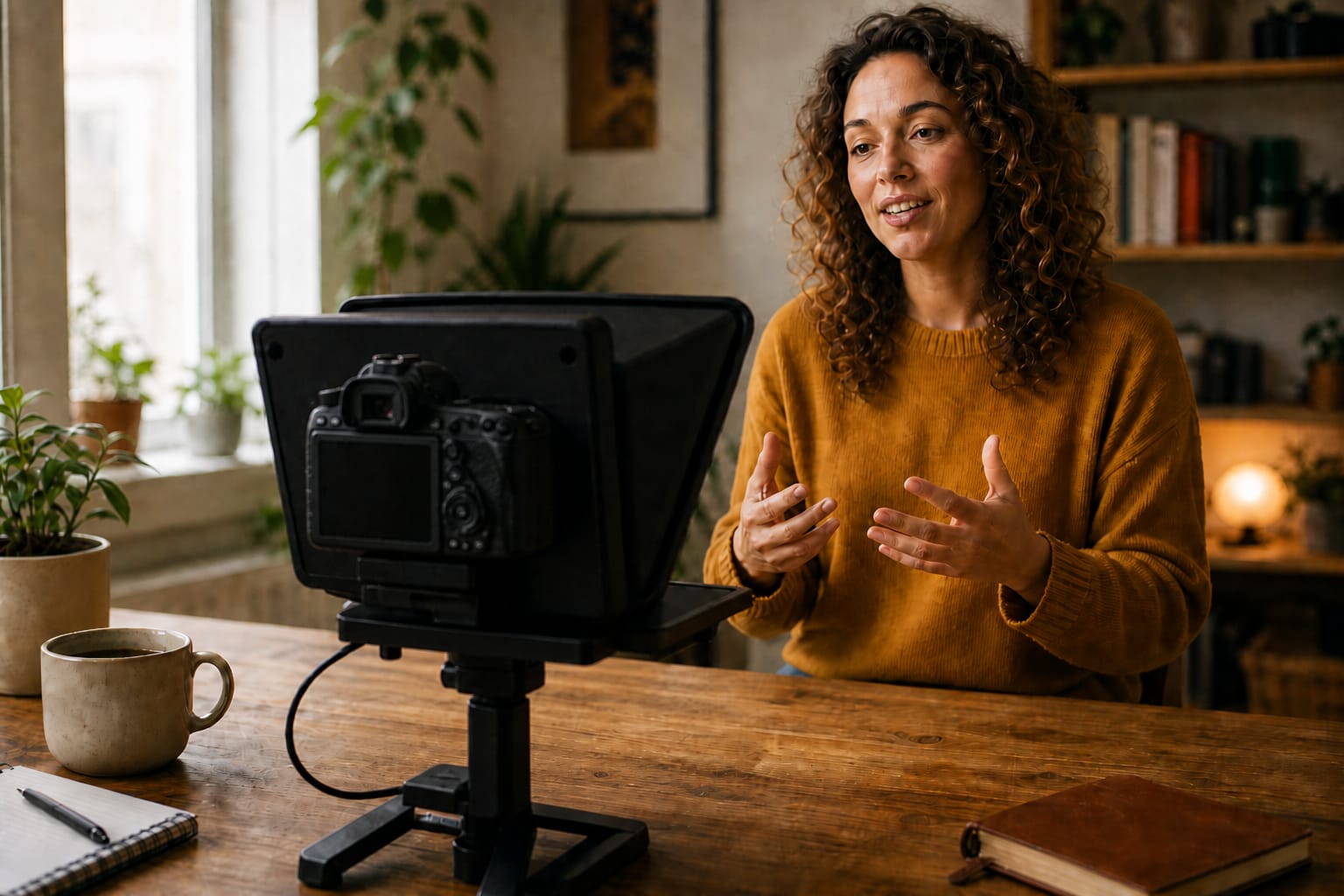
The rig you already own — with CameraPrompter behind the glass.
Running CameraPrompter on an Elgato Prompter
Set the Prompter to display mode
The Elgato Prompter shows up in your OS as an extra monitor. That’s the whole trick - anything can appear behind the beam-splitter, including a browser.
Move a CameraPrompter window onto it
Open cameraprompter.app, drag the window to the Prompter’s display, and go full-screen. Your script now scrolls in front of the lens.
Control it from your main screen
Adjust speed and position from the desk, use keyboard shortcuts mid-take, or turn on voice scroll and let your delivery drive the pace.
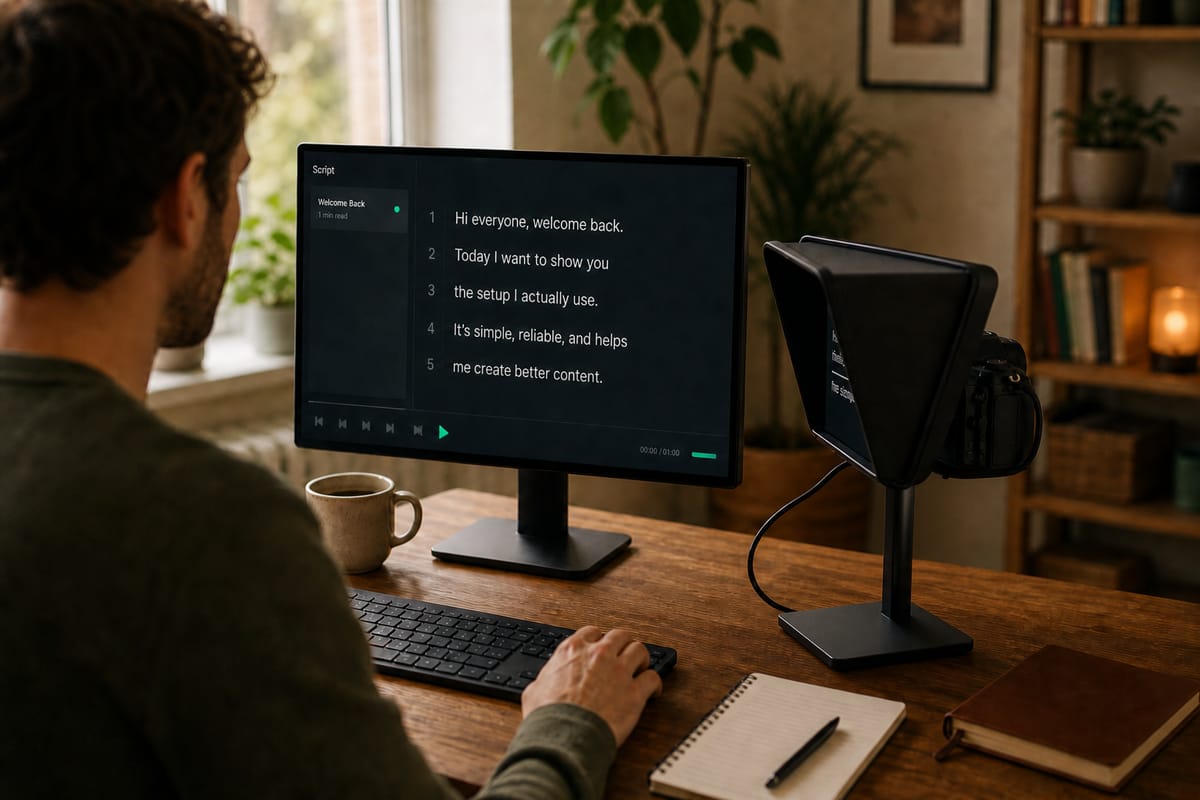
Your main screen runs the controls; the hood shows you the words.
What you gain over the bundled software
Elgato’s own Camera Hub prompter works, and it’s free with the hardware. What it ties you to is that machine: scripts live locally, and the prompter exists only where Camera Hub is installed.
CameraPrompter treats the rig as one of your screens, not the center of the system. Scripts sync in the cloud — draft on your phone on the train, and the words are waiting in the hood when you sit down. Voice-activated scrolling follows your read instead of a dial. And when you travel without the rig, the exact same prompter runs on your phone or laptop.
It’s not Elgato-exclusive, either: Prompter People, Glide Gear, Ikan, Neewer, Padcaster, Desview — if the hood or beam-splitter can show a browser or mirror a screen, it runs CameraPrompter.
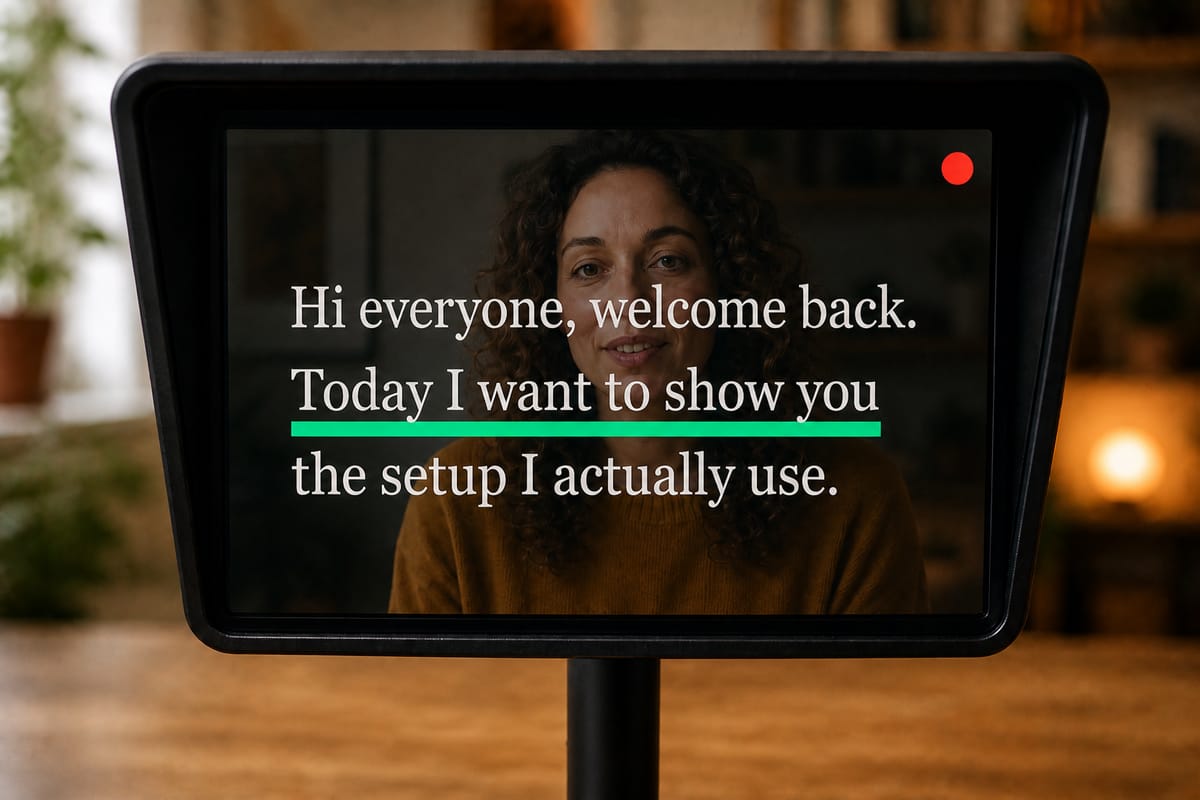
What you see in the glass: your own feed behind the words — green marks your line, coral means you’re live.
Made to pair with real rigs
Cloud script library.
Scripts follow your account to the studio, the kitchen table, and the hotel room.
Voice scroll.
The script follows your voice through the beam-splitter. Pause, ad-lib - it waits for you. (Pro)
Mirror-ready display.
Full-screen prompter view built for hood use, controlled from your main monitor.
Camera overlay.
Rehearse with your own feed behind the words before you commit the take to the rig.
In-browser recording.
Cameras your computer can see - including capture cards - record right in the tab. (Pro)
Honest pricing.
Free forever plan; Pro is $12.99 a year. The rig cost enough already.
Frequently asked questions
Does CameraPrompter work with the Elgato Prompter?
Yes. The Elgato Prompter presents itself to your computer as an extra display, so you drag a CameraPrompter window onto it and go full-screen. Everything - scripts, speed, voice scroll - is controlled from your main screen.
Do I have to replace Elgato Camera Hub?
No. Camera Hub keeps managing your camera settings; CameraPrompter simply runs on the Prompter’s display as the prompter software. Use whichever combination fits your workflow.
Why use CameraPrompter instead of the bundled prompter app?
Cloud-synced scripts you can edit from any device, voice-activated scrolling that follows your delivery, and the same prompter working without the rig - on a phone, tablet, or laptop - when you film away from the desk.
Does it work with other teleprompter hardware?
Yes - any hood, beam-splitter, or prompter monitor that can display a browser window or mirror a screen: Prompter People, Ikan, Glide Gear, Parrot, Desview, Neewer, Feelworld, Padcaster, Autocue, and the rest.
Is there a free plan?
Yes. The free plan is free forever - full prompter, camera overlay, timers, 5 cloud-synced scripts, no watermarks. Pro ($12.99/year) adds voice scroll, in-browser recording, and unlimited scripts, with the first 7 days free.
Your rig deserves better words.
Free forever, 7 days of Pro free on signup. Drag the window over and read.
Start Prompting FreeNo credit card. Setup takes about 60 seconds.